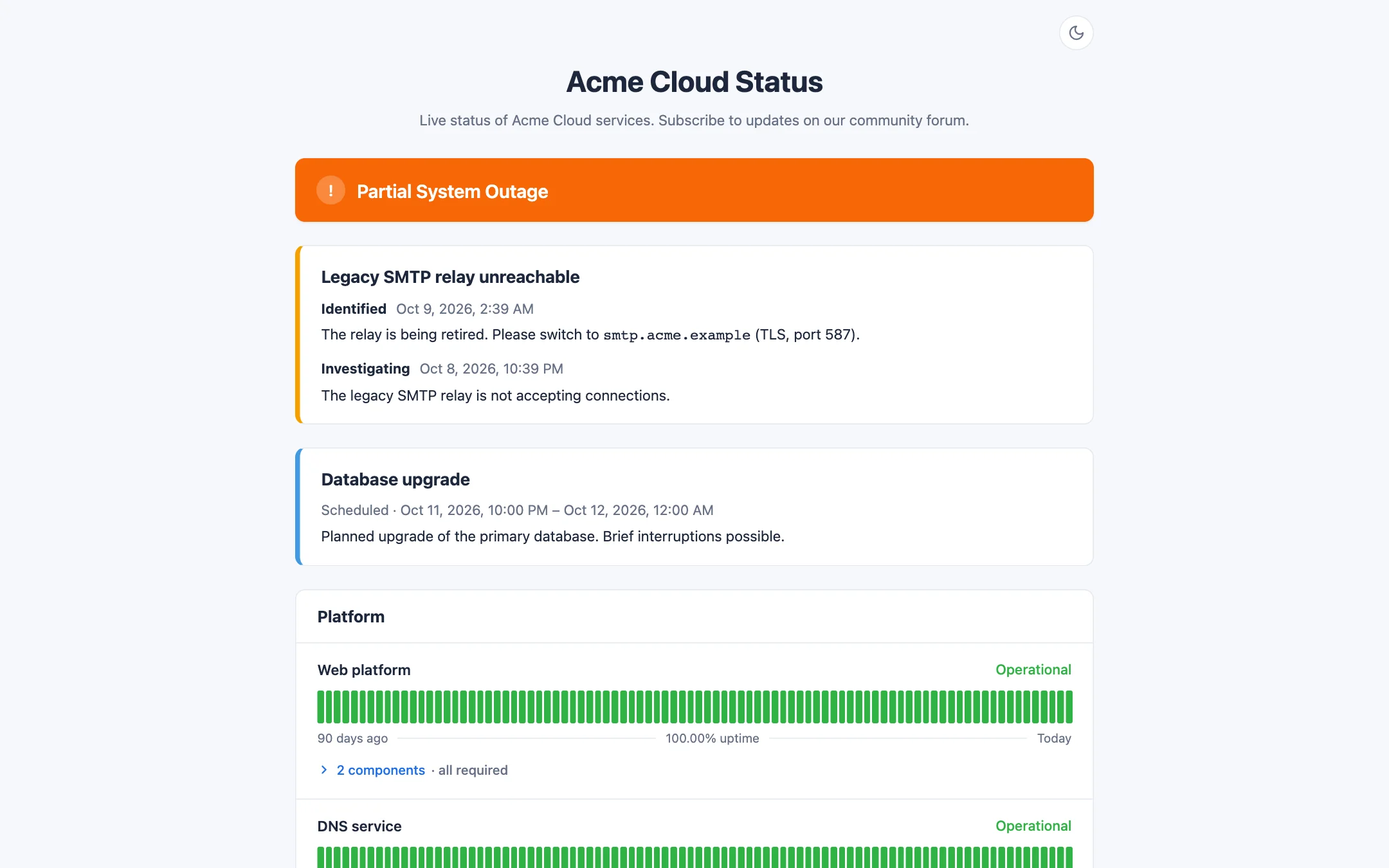
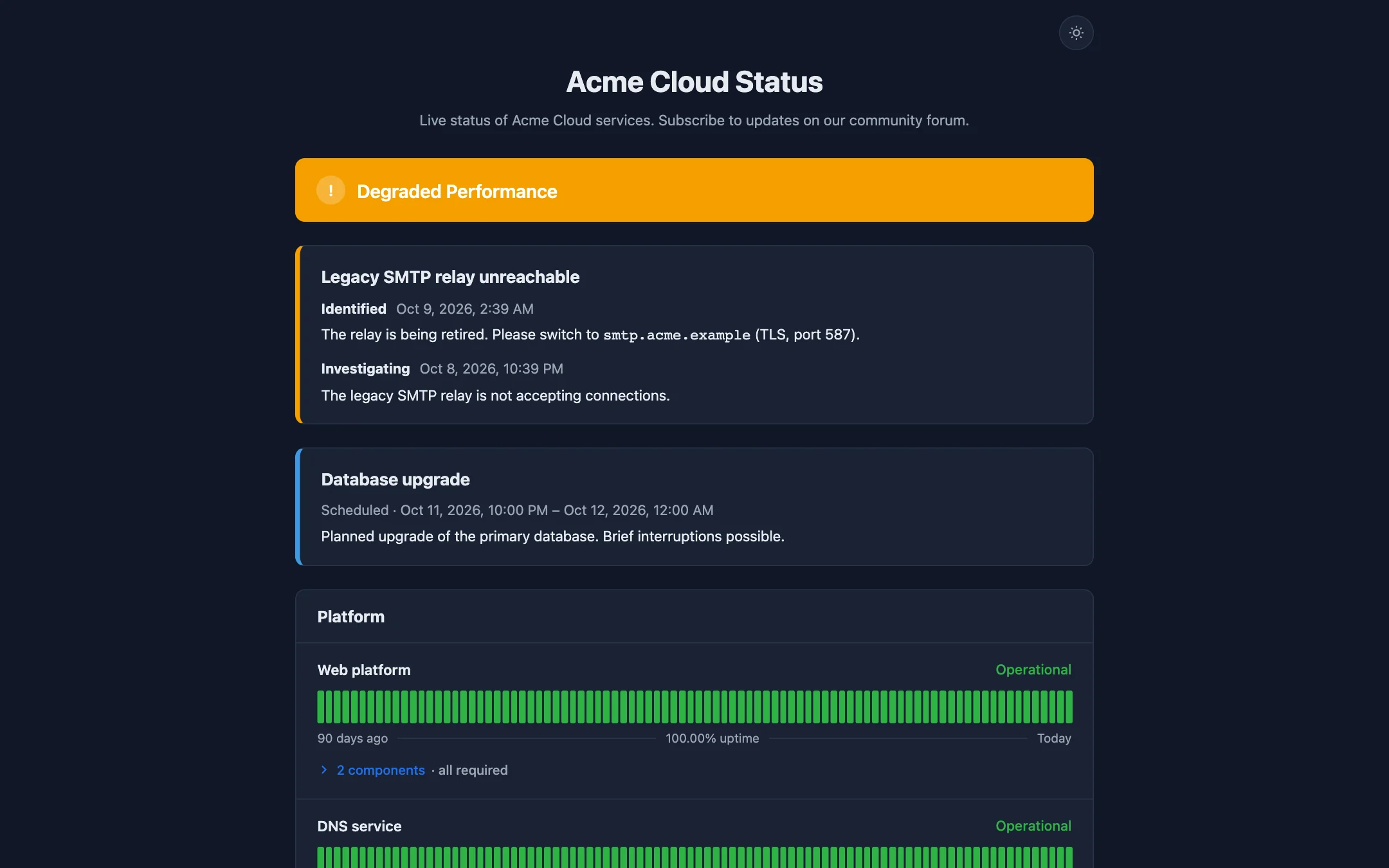
The public status page with an active incident, scheduled maintenance and 90-day uptime bars.Dark mode, with a redundancy group expanded to show its members.
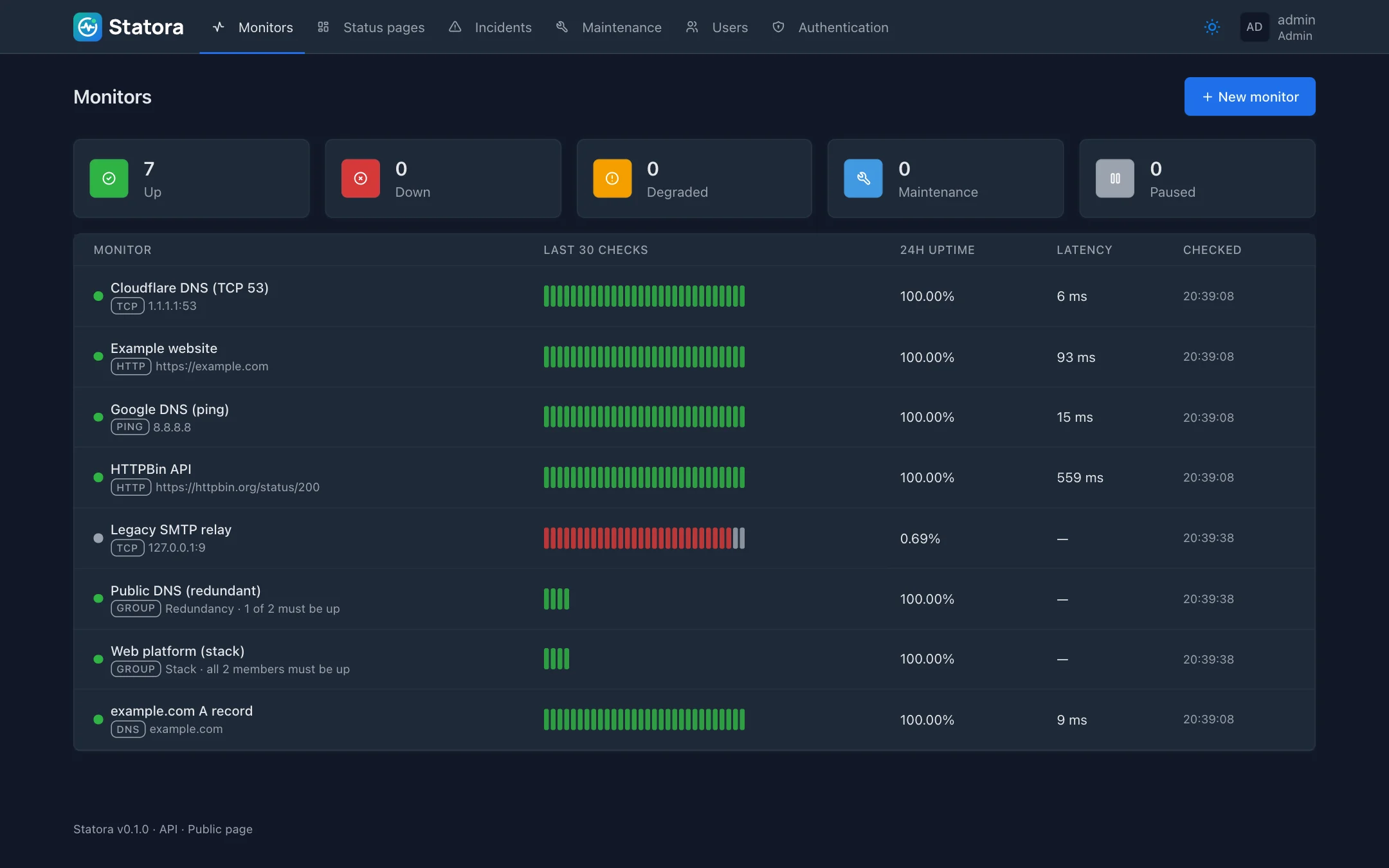
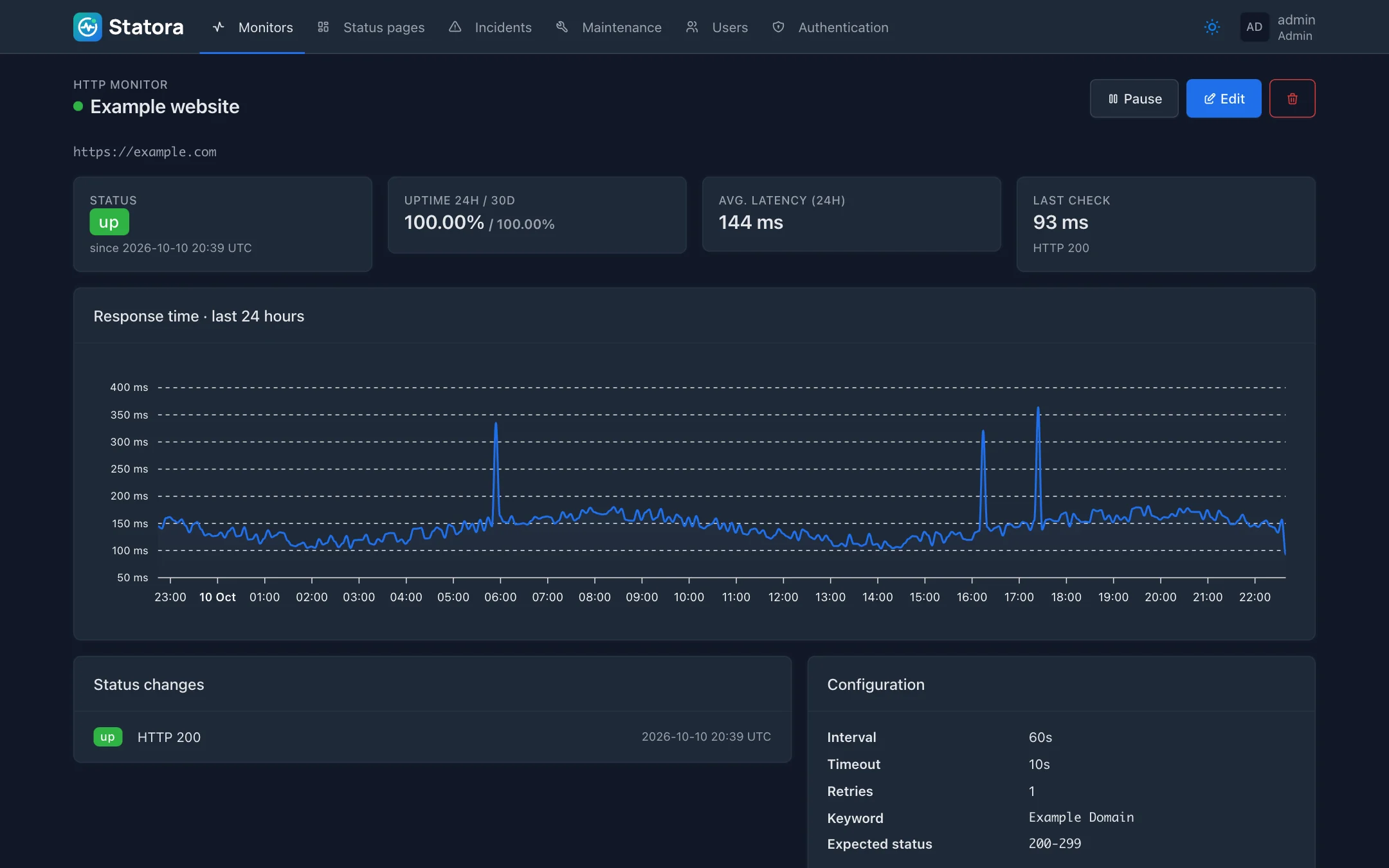
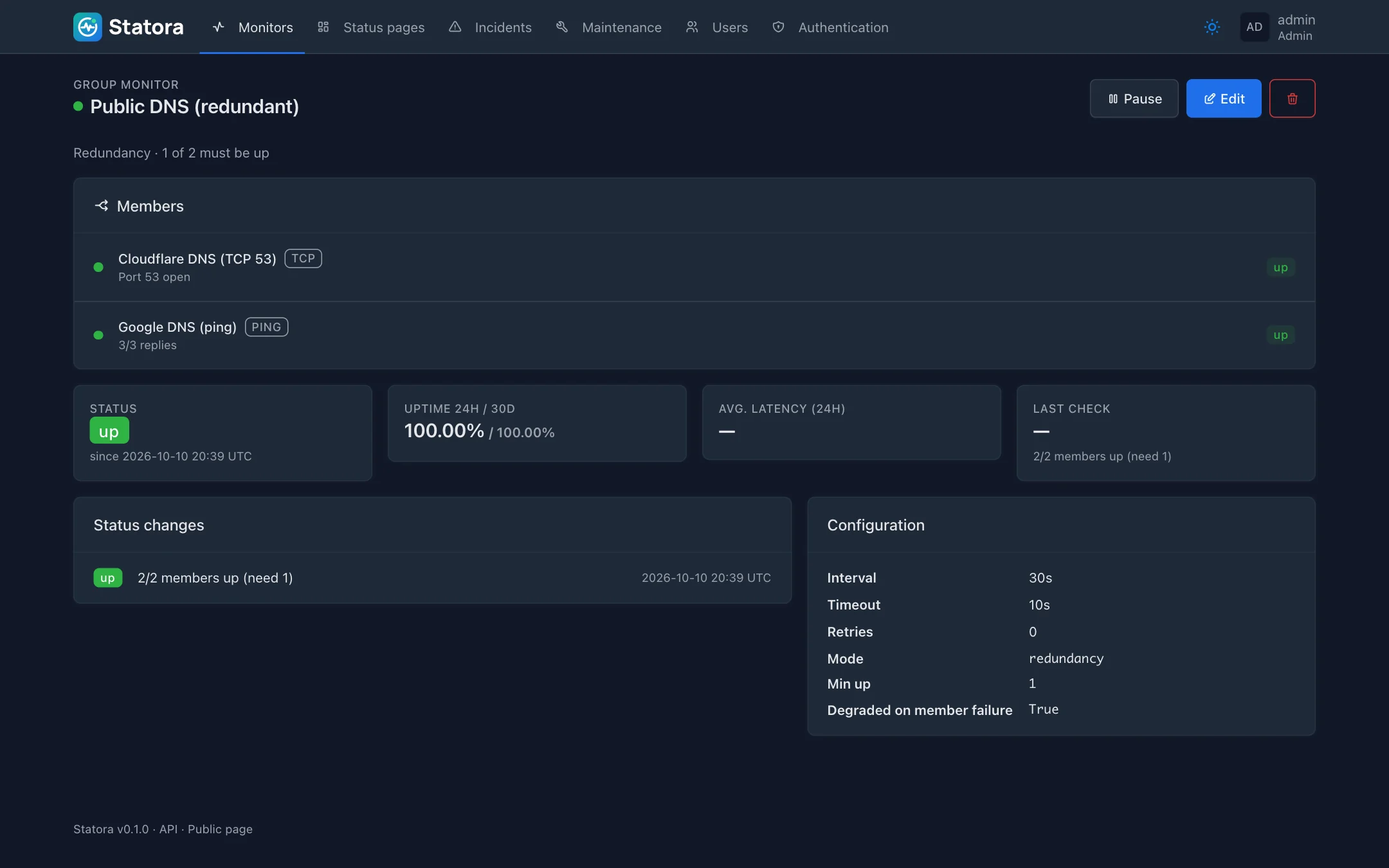
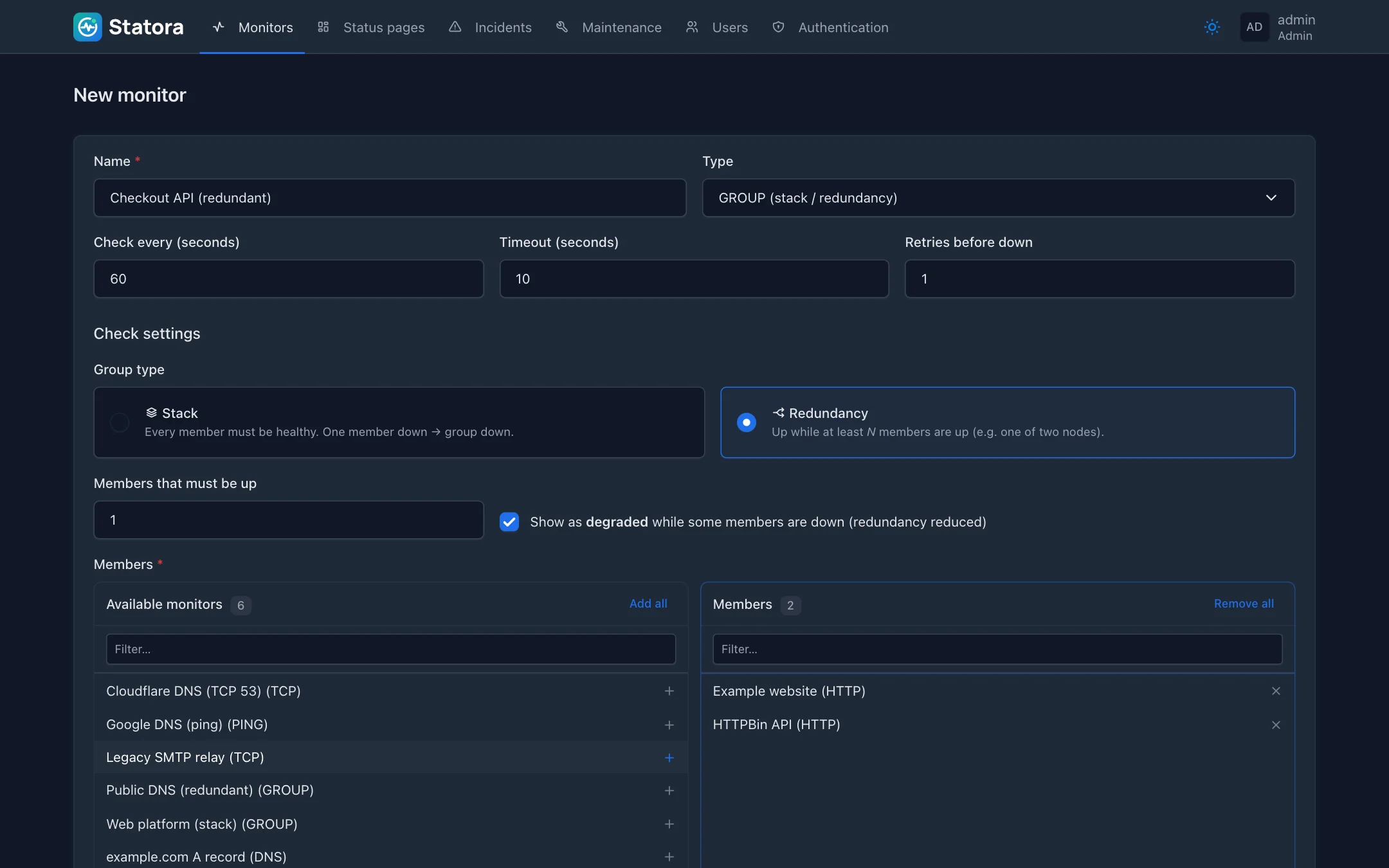
The dashboard: status counts, the last 30 checks, 24-hour uptime and latency for every monitor.Monitor details: 24-hour latency chart, status changes, configuration and the groups it belongs to.A redundancy group and the live status of each member.Creating a group: stack or redundancy, the number of members that must be up, and a two-column member picker.
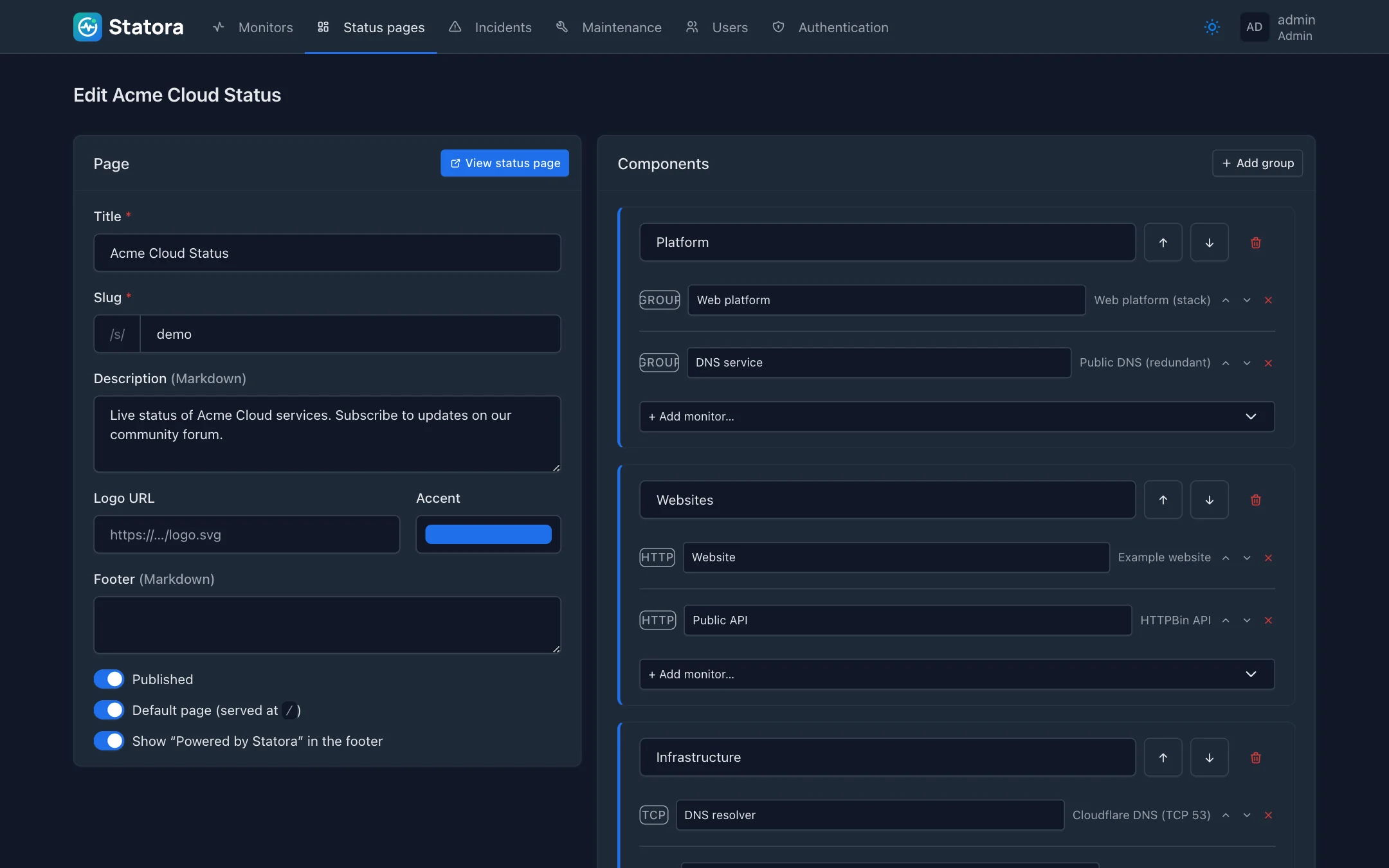
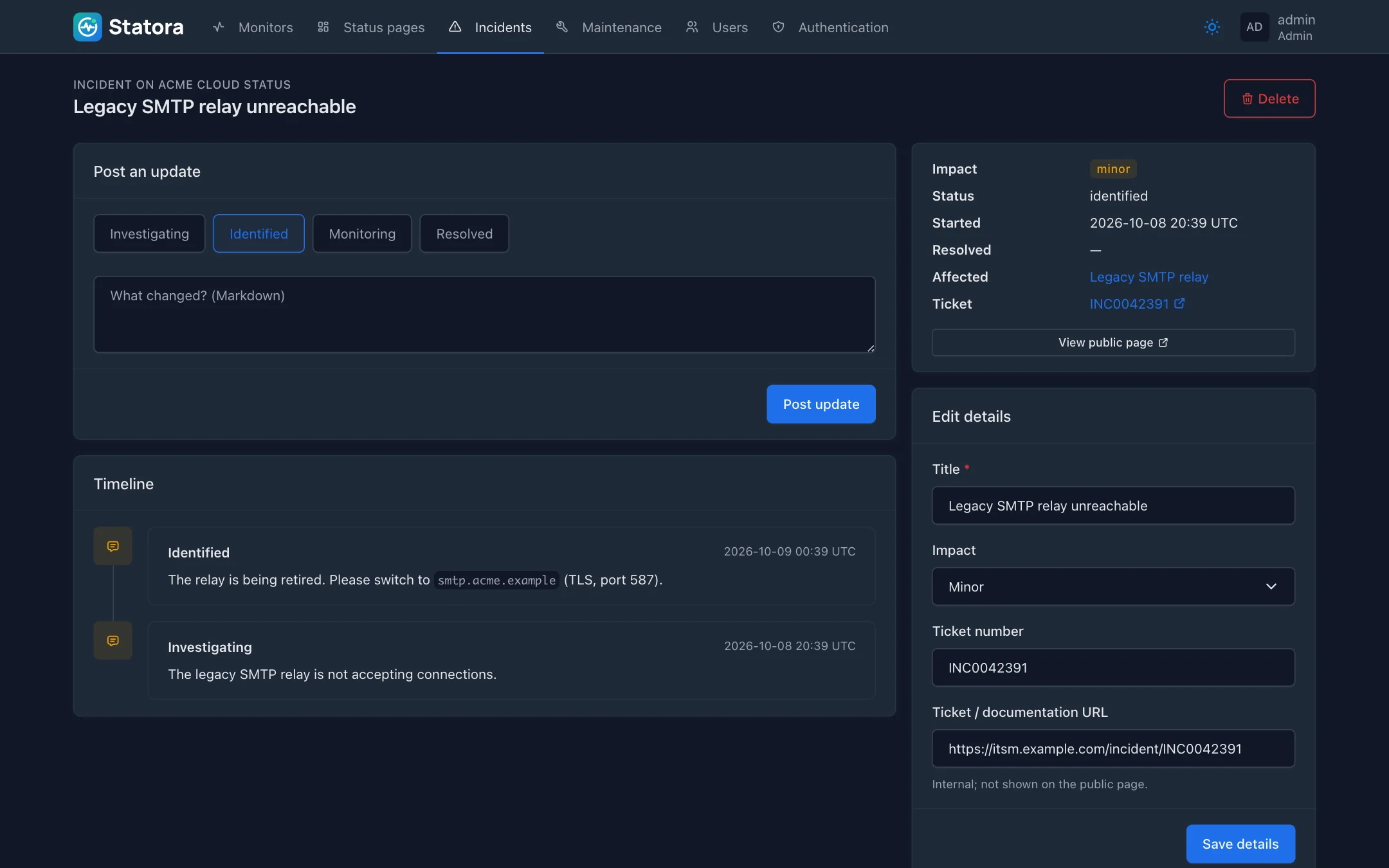
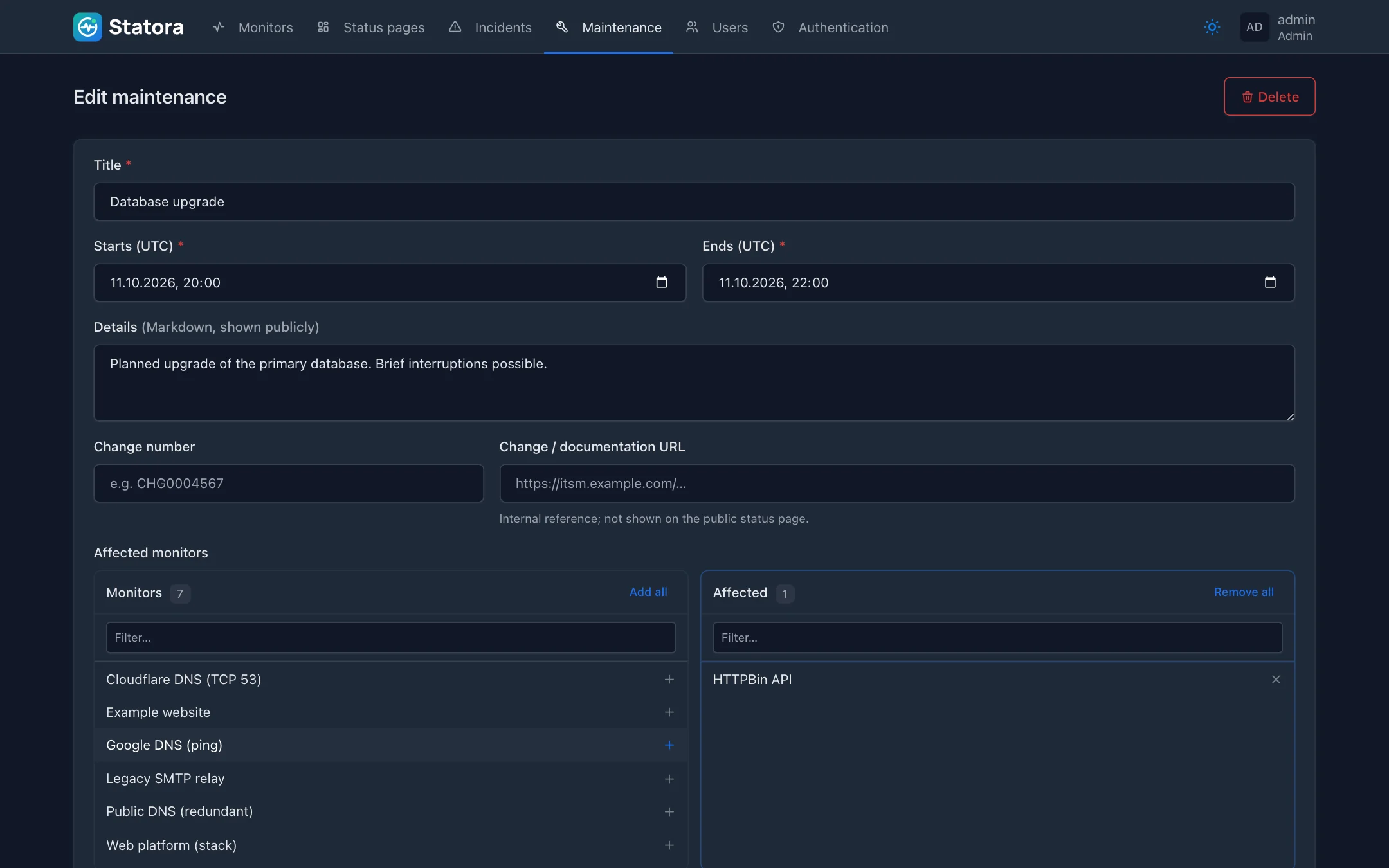
The status page editor: components, public names, branding, and a button to open the live page.An incident with its update timeline and an internal ITSM ticket reference.A maintenance window with its change number, affected monitors and status pages.
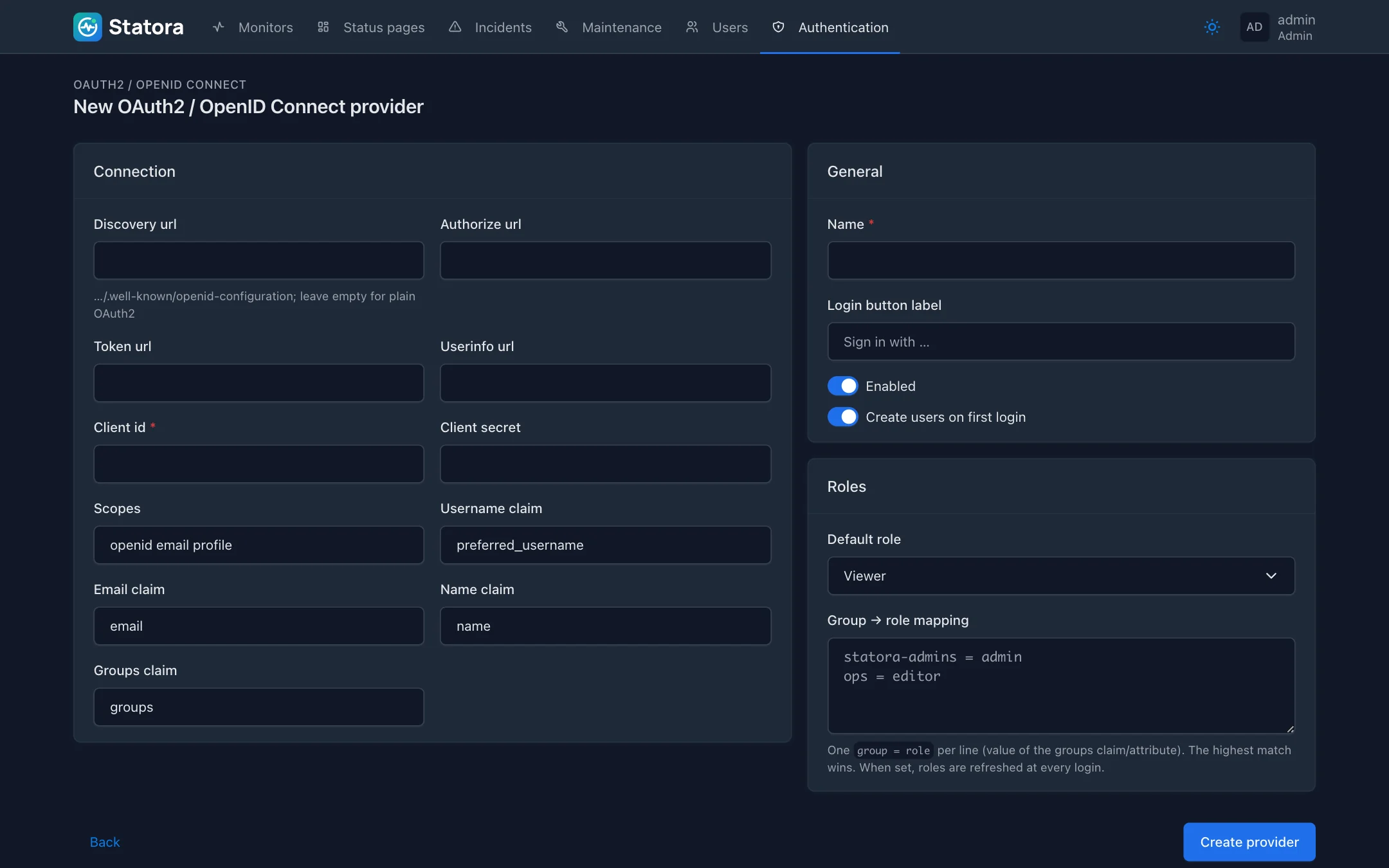
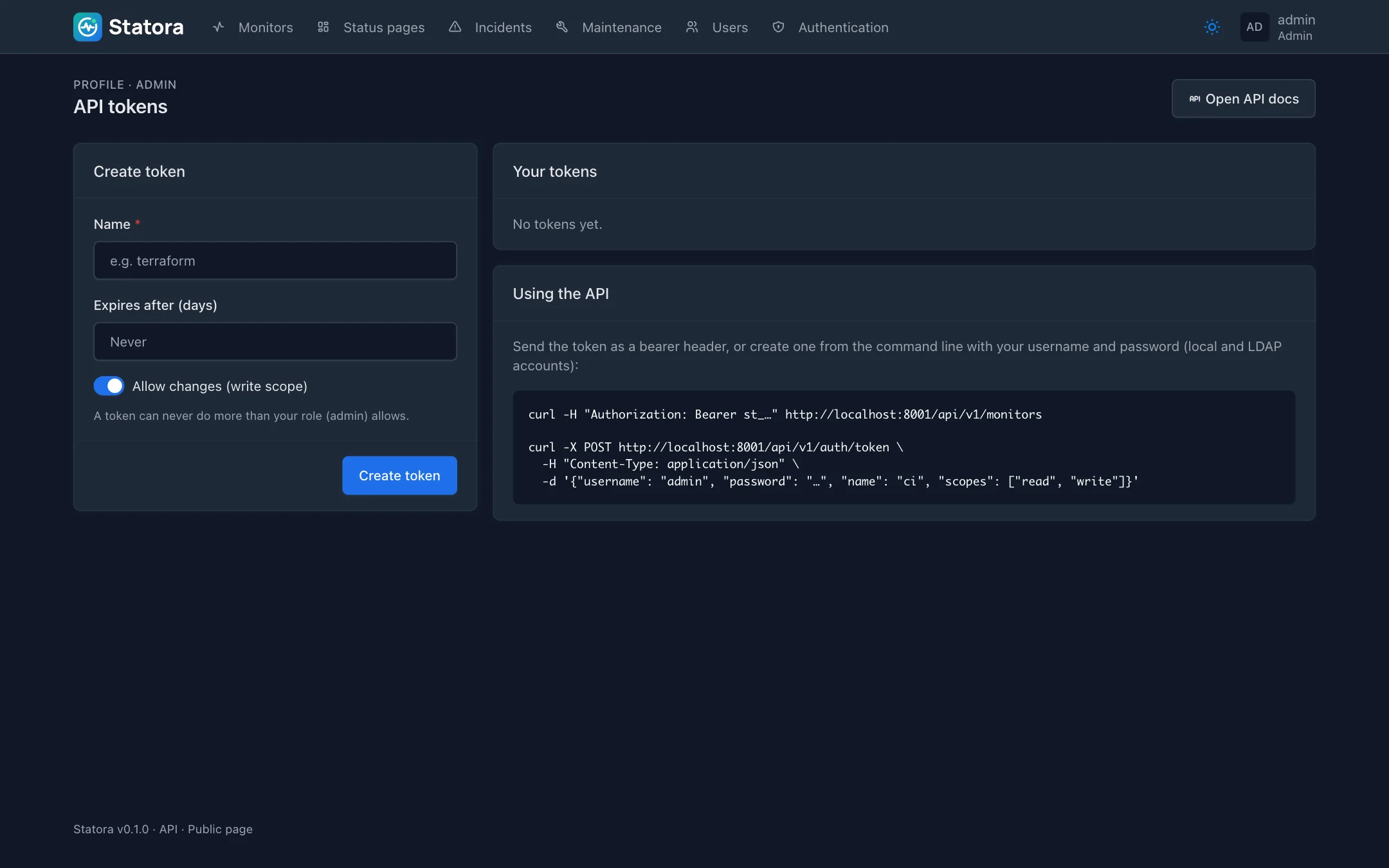
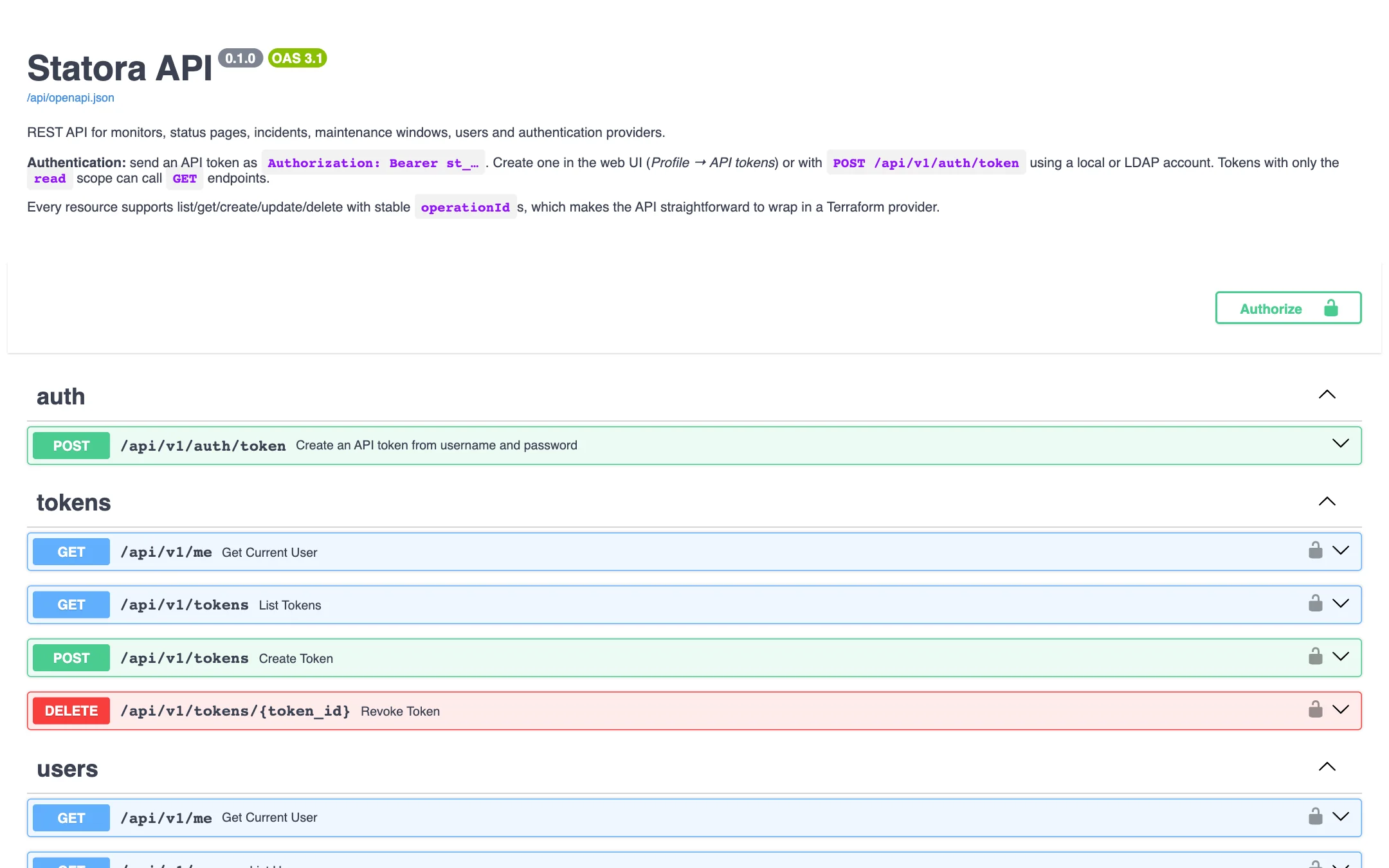
Configuring an OpenID Connect provider, including group-to-role mapping.Personal API tokens with read/write scopes and optional expiry.The built-in Swagger UI for the REST API.